


SEAMETAL Wireless Light Aircraft Airplane Helicopter
SEAMETAL Wireless Light Aircraft Airplane Helicopter
Hurry up! Only 1 item is in stock
Impossible de charger la disponibilité du service de retrait
✈️ SEAMETAL Wireless Light – Aircraft Airplane Helicopter
✅ The SEAMETAL Wireless Light Aircraft Airplane Helicopter is an innovative and fun lighting accessory designed to bring realistic aviation-style illumination to your models, rooms, or displays. Lightweight and wireless, it is perfect for hobbyists and enthusiasts.
✅ Designed for convenience and ease of use, this wireless LED light can be easily attached to aircraft, helicopters, or other models. Its bright, energy-efficient LEDs provide clear illumination while enhancing the visual appeal of your models.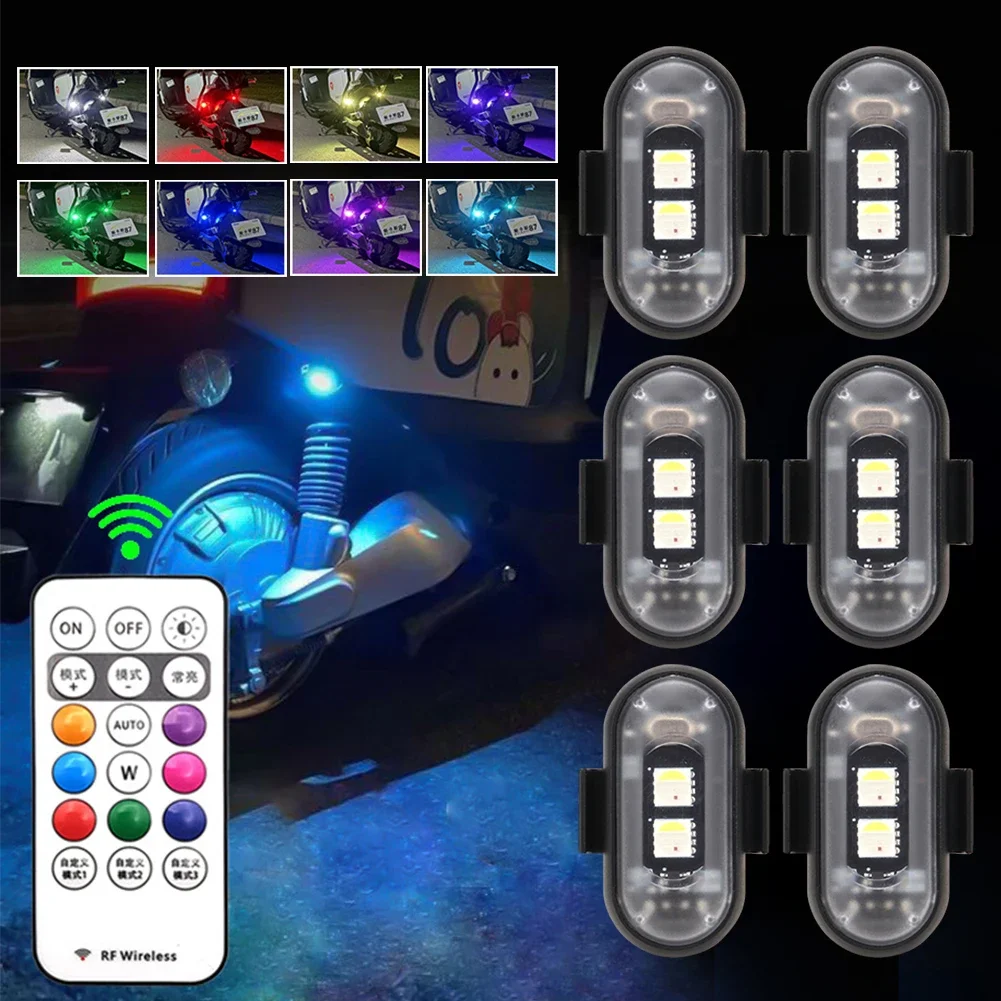
🚀 Key Benefits & Features
✔ Wireless & Portable – Easy to install anywhere
✔ Bright LED Lighting – Clear and energy-efficient illumination
✔ Lightweight & Durable – Safe for model use
✔ Universal Compatibility – Fits various aircraft and helicopter models
✔ Simple Installation – No tools required
✔ Enhances Model Realism – Adds professional visual effect
✔ Long Battery Life – Extended usage without frequent charging
✔ Ideal for Hobbyists & Enthusiasts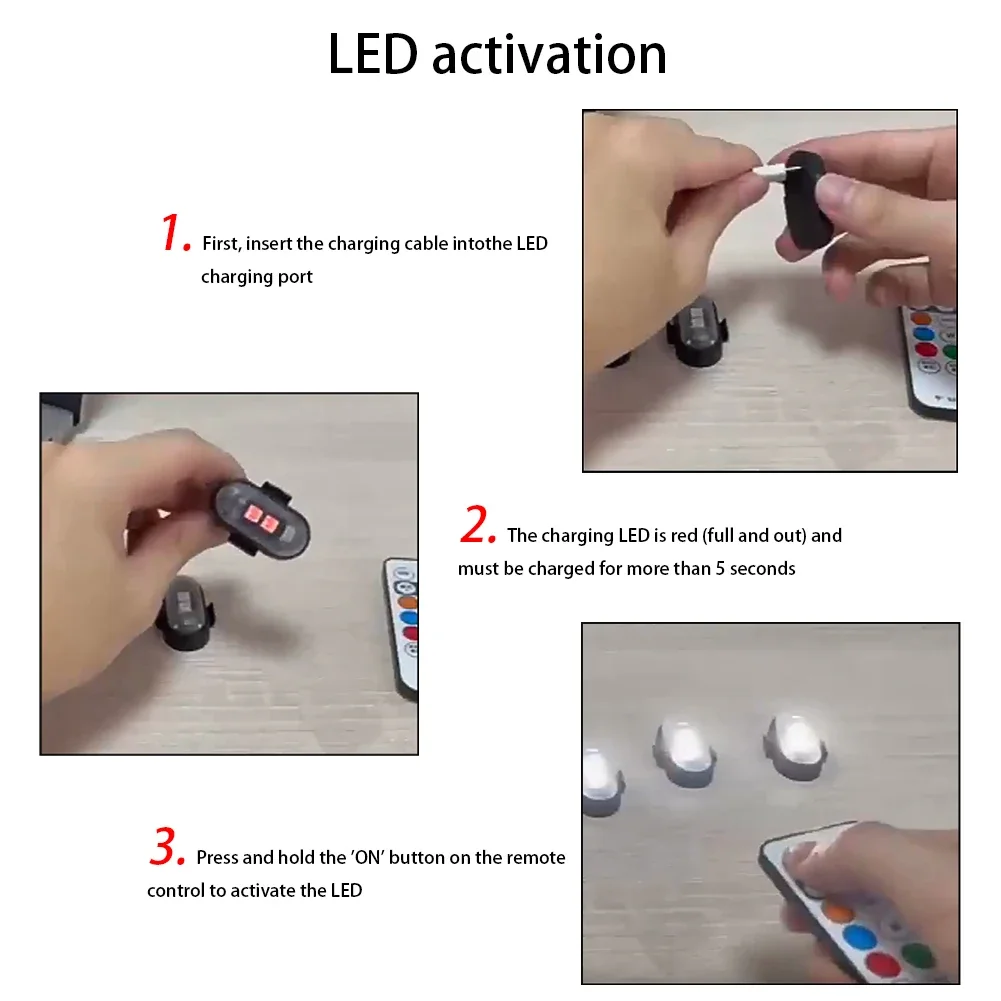
🧪 Advanced LED Technology
The wireless LED light uses high-efficiency diodes to provide bright, uniform illumination while consuming minimal power. Unlike conventional model lights, it is easy to attach and operate without complex wiring.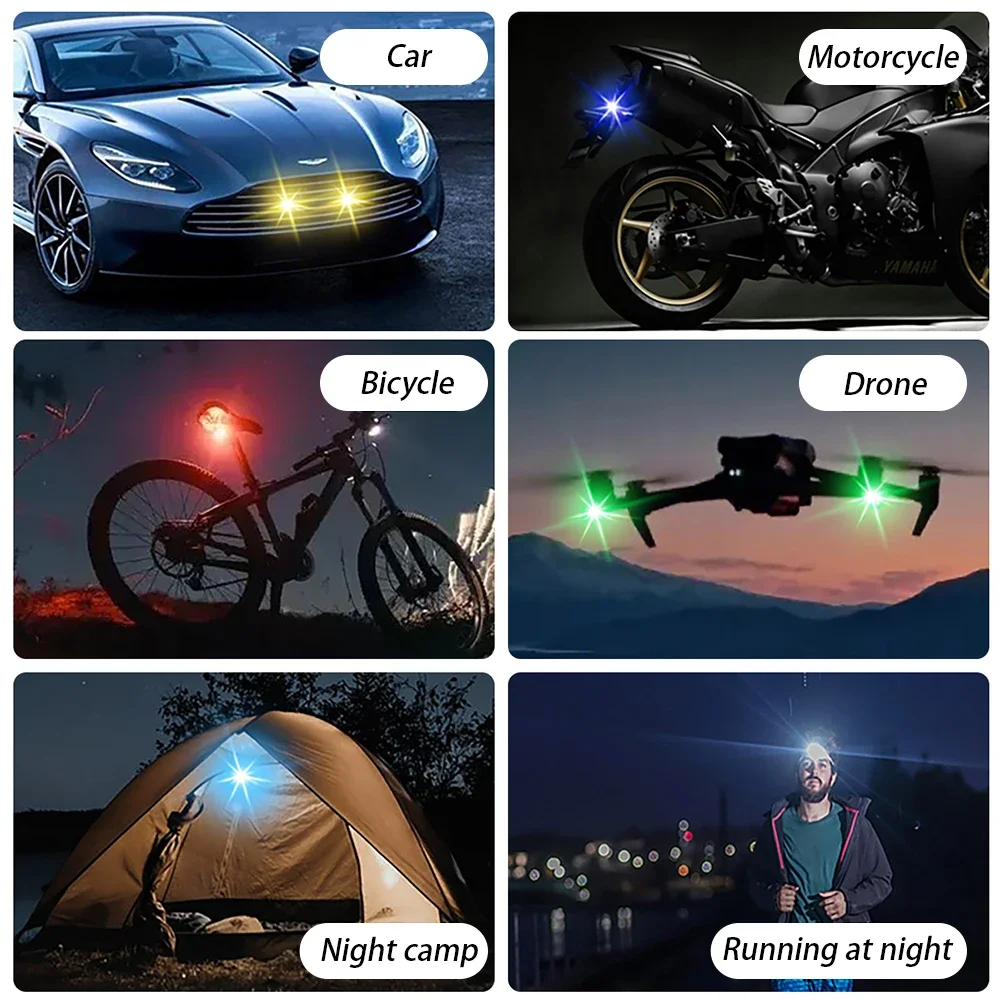
👓 Ideal For
• Model aircraft and helicopter hobbyists
• Display lighting for rooms or collections
• DIY and educational projects
• Adding realism to RC or static models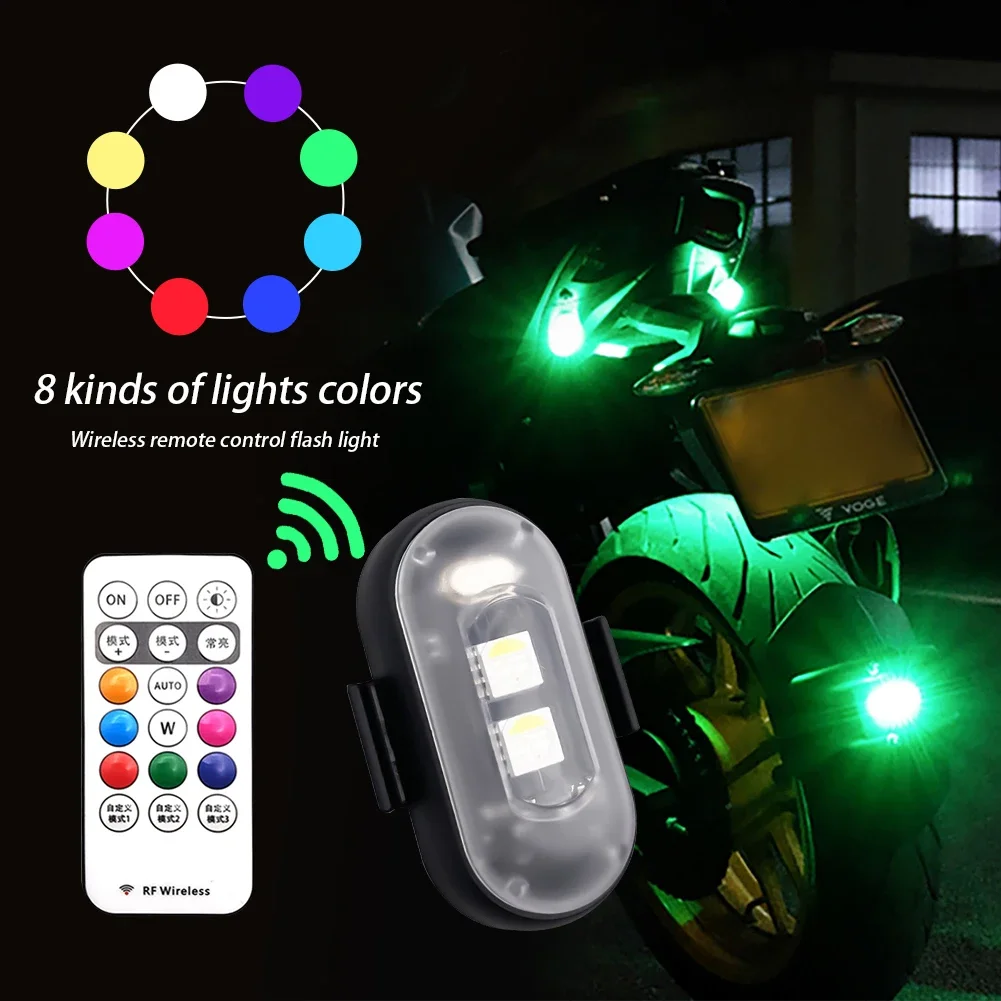
📦 What’s Included
📦 1 SEAMETAL Wireless LED Light
📦 User Manual
🌍 Perfect for Everyday Use & Hobby Projects
Whether enhancing a model, creating an educational display, or lighting up your collection, this wireless LED light ensures bright, convenient, and visually impressive illumination.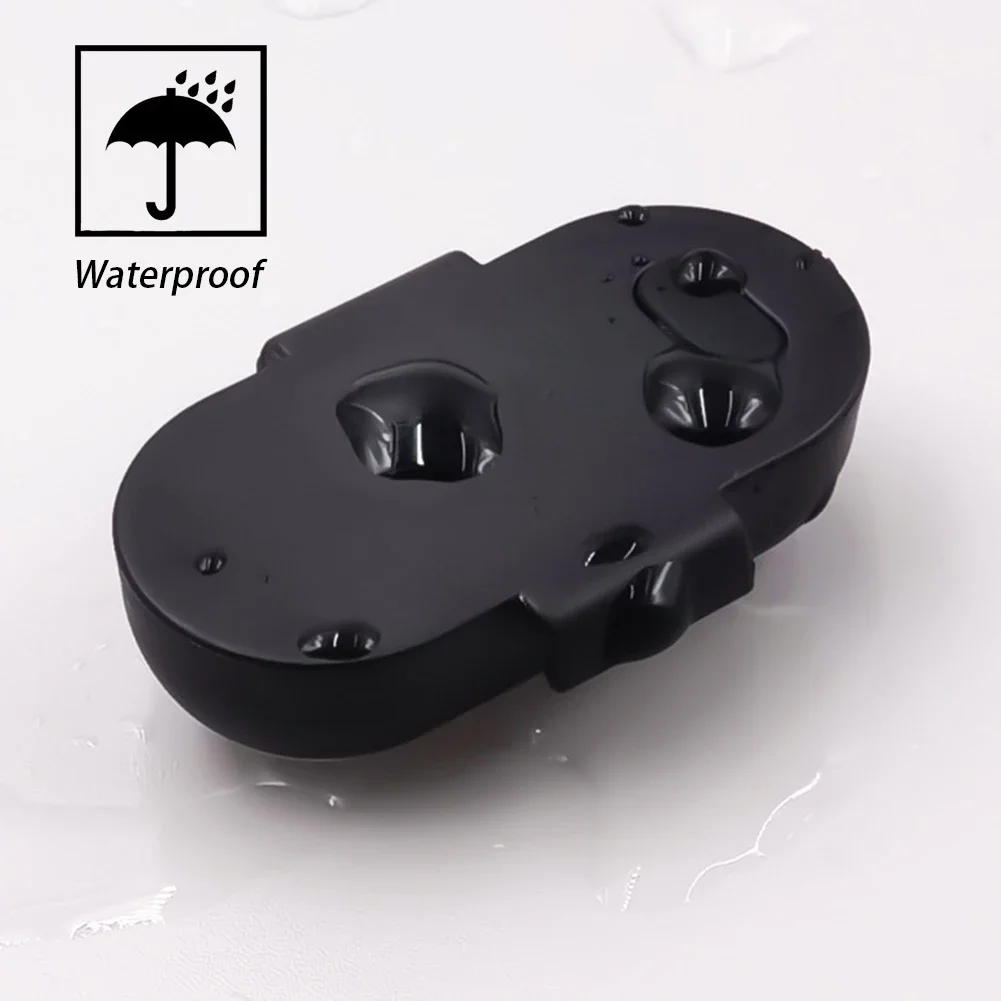
Instructions
✅ Attach the light securely to your model.
✅ Insert or charge the battery as instructed.
✅ Turn on the LED to illuminate.
✅ Remove gently when needed and store safely.
Precautions
✅ Keep away from water or excessive moisture.
✅ Avoid exposing to high heat.
✅ Not suitable for children under 12 years old.
✅ Handle with care to prevent damage.
✅ Use only as directed in the user manual.
This offer is for limited time only! Buy before price increase.
Afficher tous les détails


