


XIAOMI S MINI 55" QD-Mini LED 144Hz 4K UHD Smart TV Dolby Vision® IQ Dolby Atmos® Google TV L55MA-SPLEU
XIAOMI S MINI 55" QD-Mini LED 144Hz 4K UHD Smart TV Dolby Vision® IQ Dolby Atmos® Google TV L55MA-SPLEU
Currently 2344 items are in stock!
Impossible de charger la disponibilité du service de retrait
🔥 XIAOMI S MINI 55" – La Smart TV che ridefinisce l’intrattenimento! 🔥
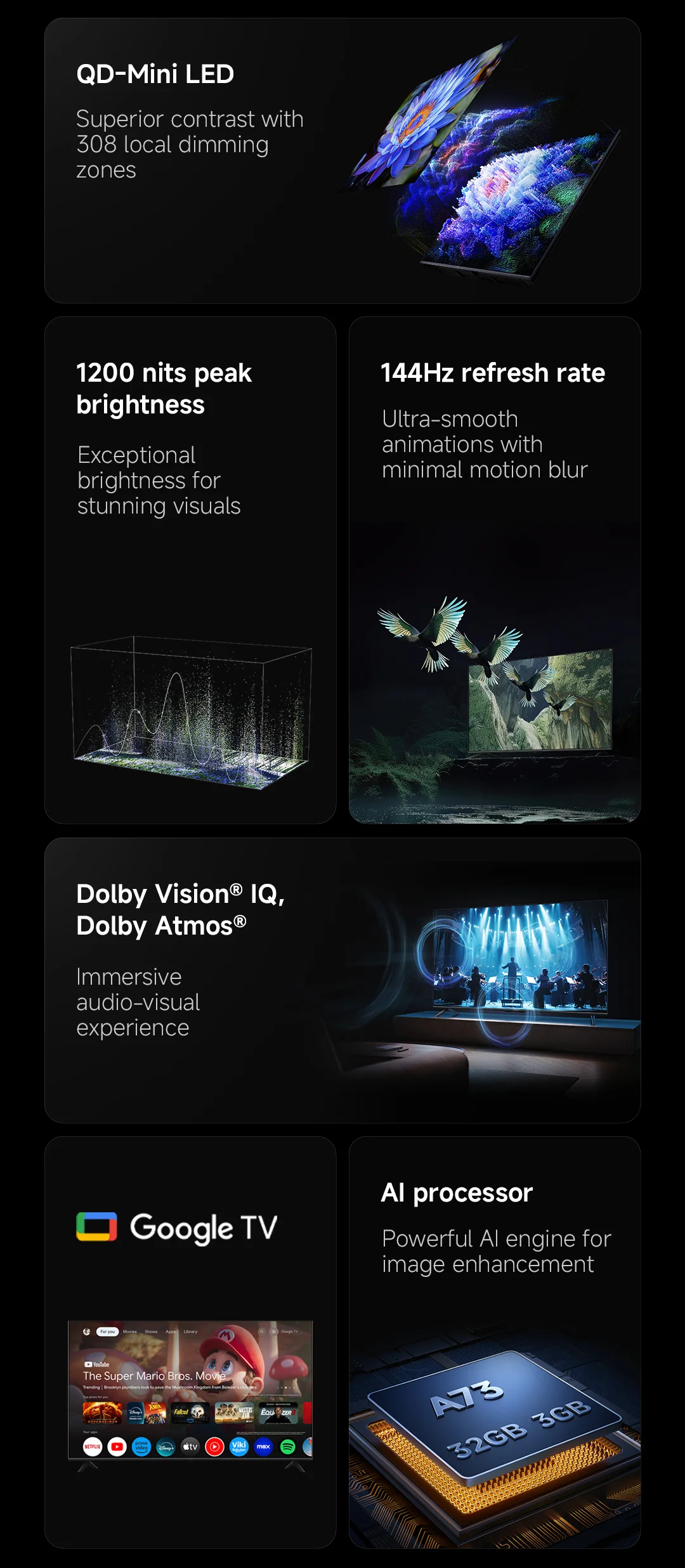
Porta a casa immagini mozzafiato e audio coinvolgente con la XIAOMI S MINI 55" L55MA-SPLEU, dotata di tecnologia QD-Mini LED 144Hz e risoluzione 4K Ultra HD (3840×2160). Perfetta per cinema, gaming e streaming!
Caratteristiche principali:
🌈Display QD-Mini LED 144 Hz: colori vividi e movimento fluido senza sfocature
🎬 Dolby Vision® IQ & Dolby Atmos®: esperienza visiva e sonora da cinema direttamente a casa tua
📺 Google TV integrata: accesso immediato a Netflix, Prime Video, YouTube e migliaia di app
🗣️ Smart Home Ready: supporto Google Assistant, Google Cast, Miracast, Apple AirPlay
⚡ Wi-Fi 6 e LAN: connessione veloce e stabile, perfetta per streaming e gaming online
🏠 Design elegante: dimensioni compatte con base (1226 × 280 × 767 mm) o senza base (1226 × 85 × 716 mm)
Specifiche tecniche:
Modello: L55MA-SPLEU
Tipo di display: QD-Mini LED
Risoluzione: 4K UltraHD 3840×2160
Sistema operativo: Google TV™
Alimentazione: 200-240V~50/60Hz
Ricezione: PAL
Numero di registrazione EPREL: 2082788
💡 Perfetto per chi cerca alta qualità, tecnologia avanzata e intrattenimento intelligente in un'unica TV.
This offer is for limited time only! Buy before price increase.
Afficher tous les détails


