


HOMCOM Manual Fabric Reclining Relax Armchair, Recliner with Pull-Out Footrest and Side Pocket
HOMCOM Manual Fabric Reclining Relax Armchair, Recliner with Pull-Out Footrest and Side Pocket
Currently 30 items are in stock!
Impossibile caricare la disponibilità di ritiro
RECLINER BACKREST: By pushing with your back against the backrest, the relax armchair reclines 135° for greater comfort. The built-in footrest allows you to stretch your legs and maintain a relaxed body position, for unbeatable comfort.
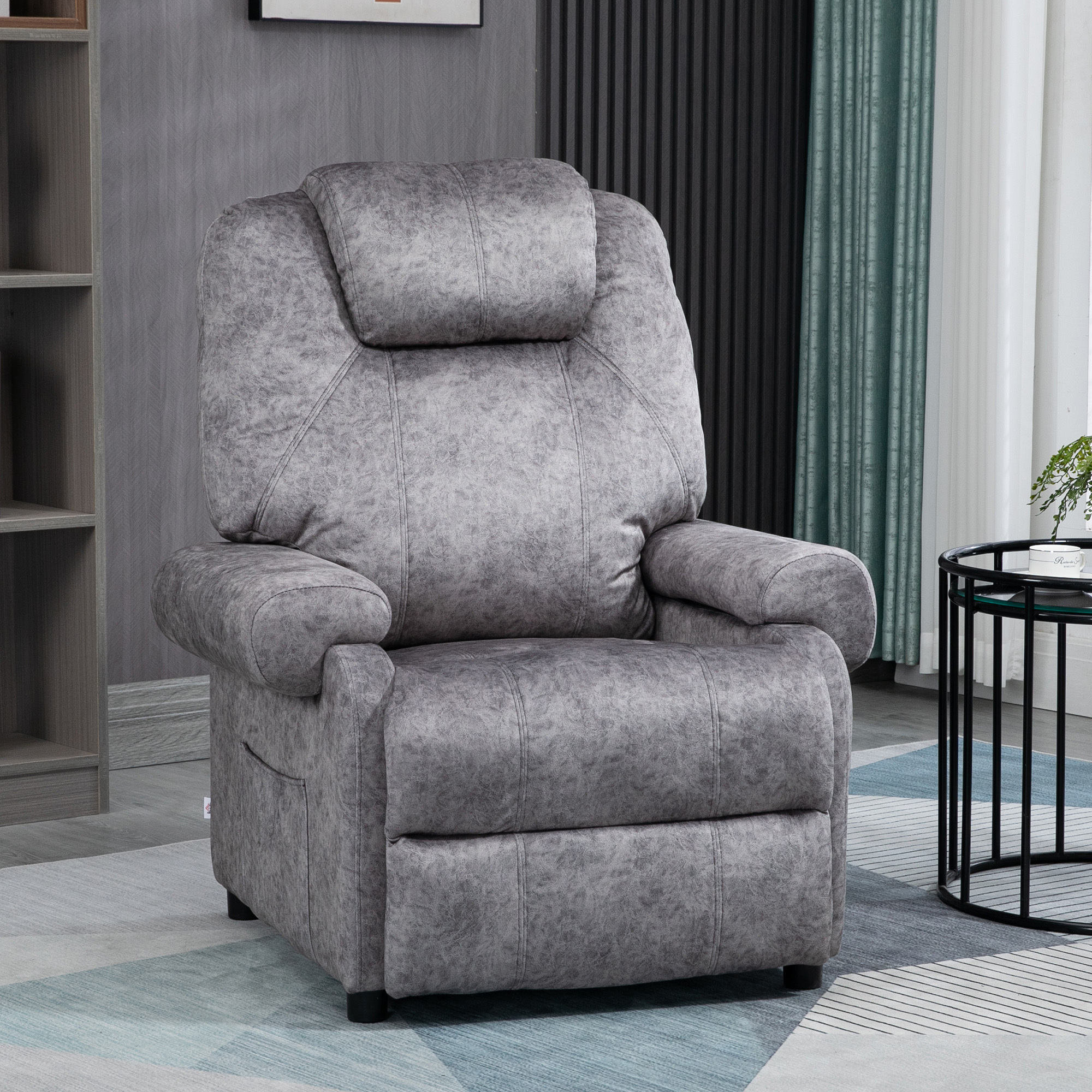
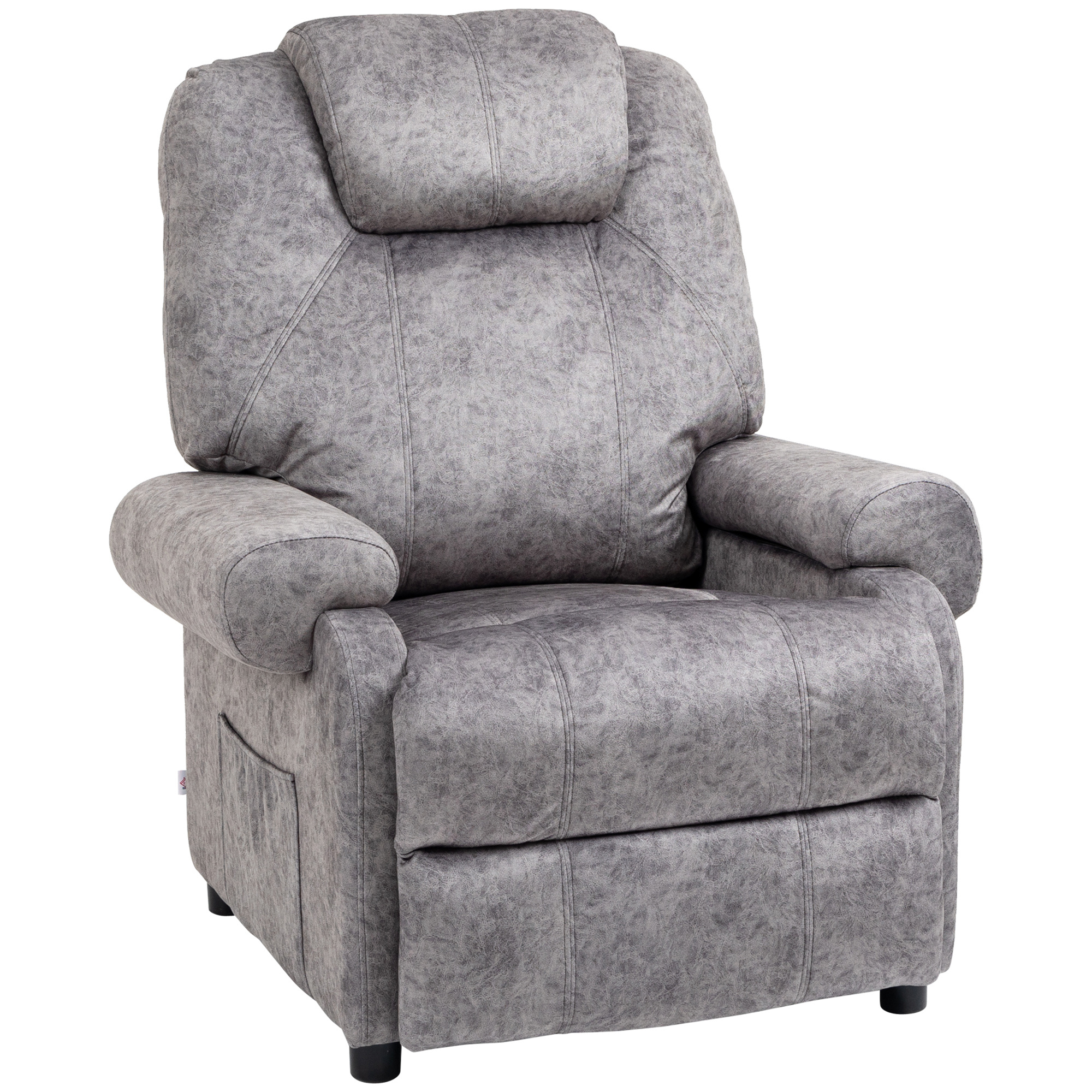
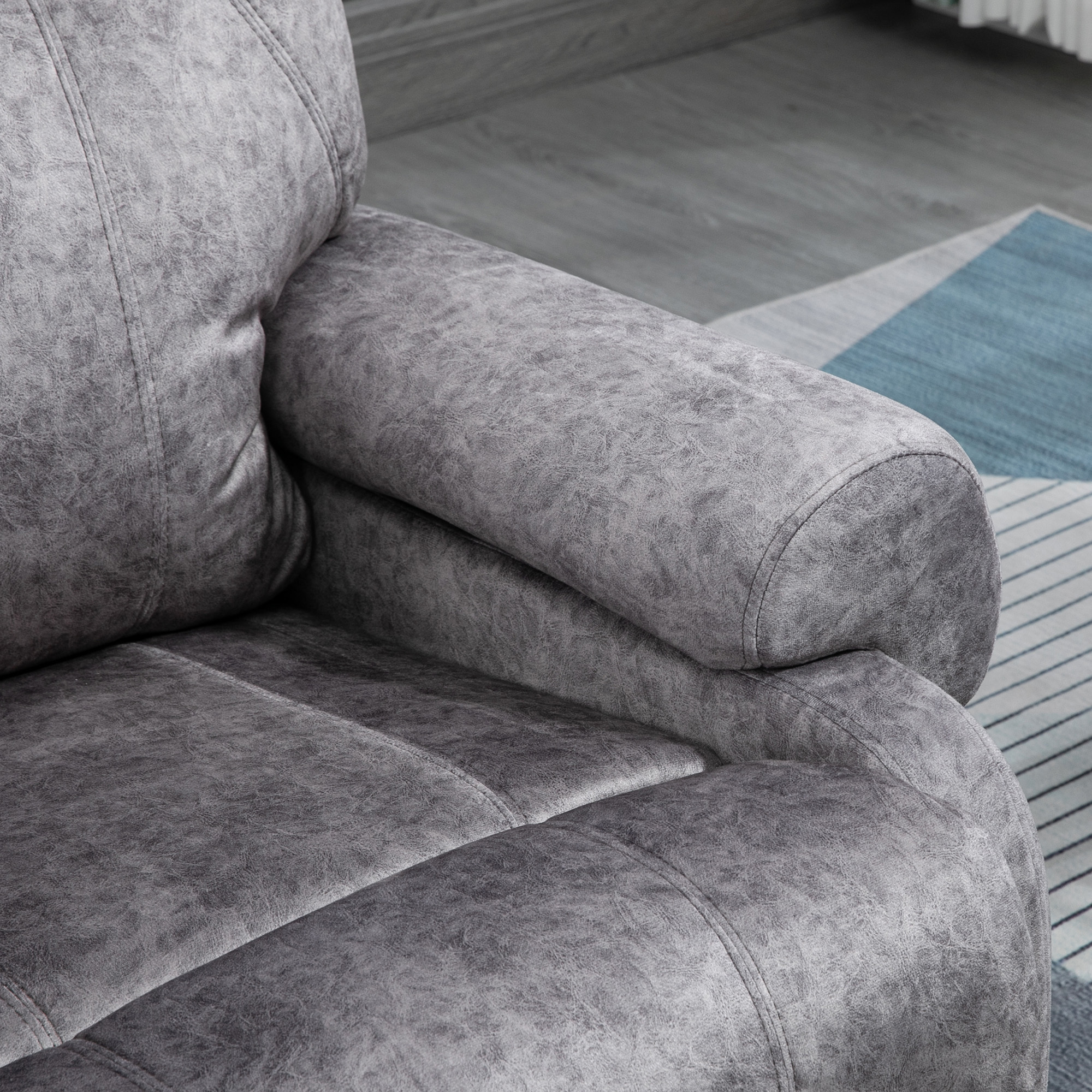
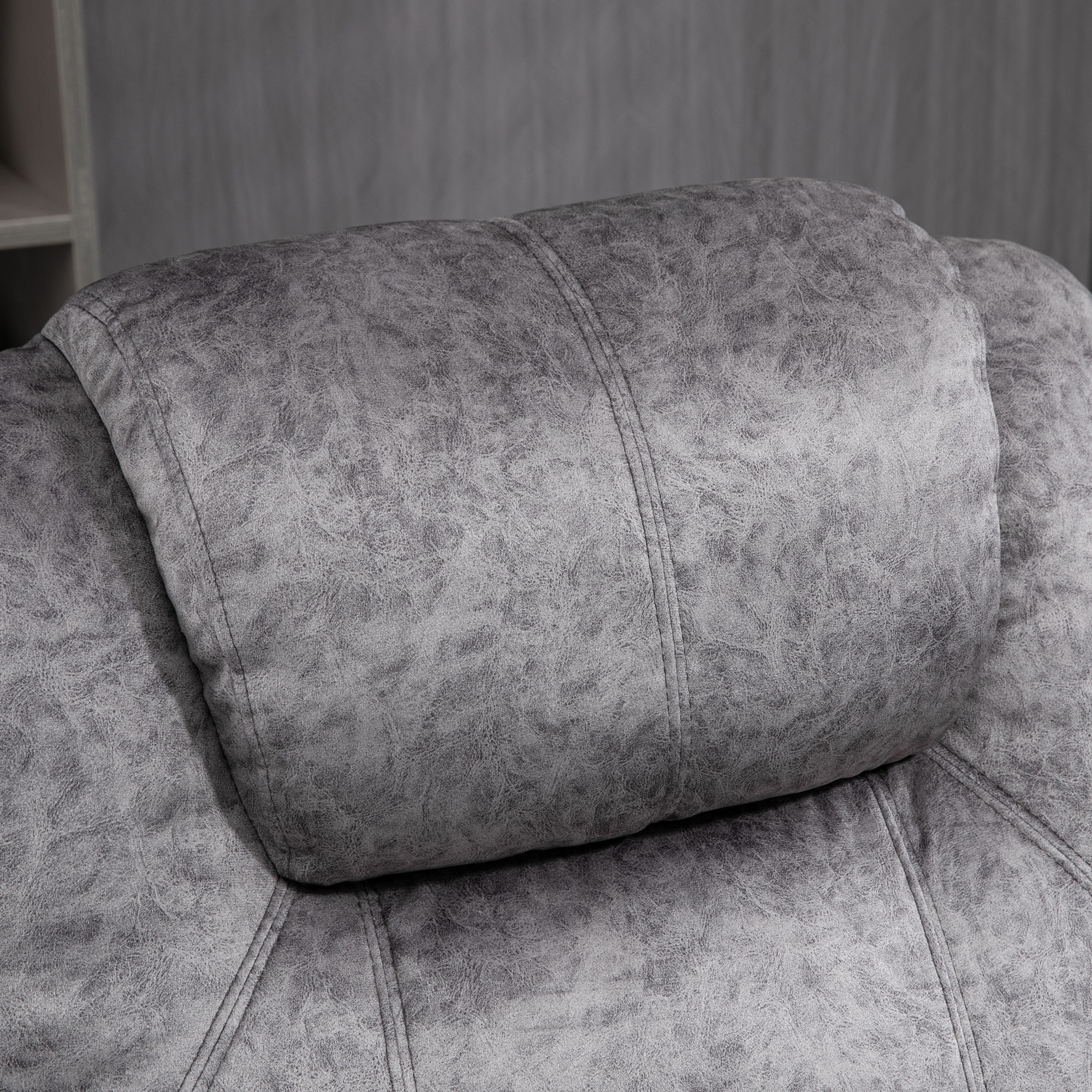
GREAT COMFORT: The recliner has generous padding and provides plenty of space to sit and relax comfortably. The built-in headrest and padded seat provide exceptional comfort.
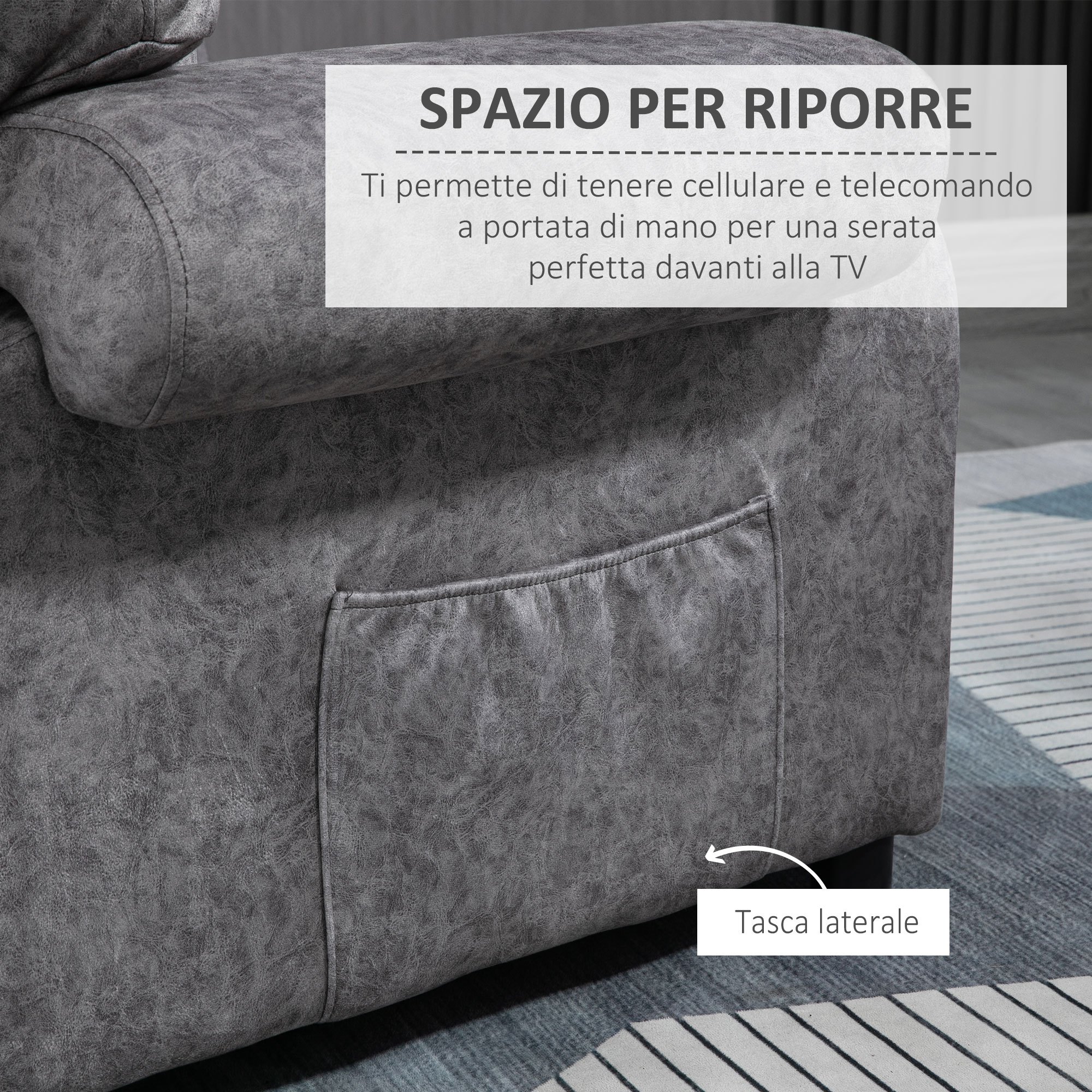
SIDE POCKETS: The convenient side pockets allow you to keep your mobile phone and other useful items close at hand. Create the perfect atmosphere for an evening in front of the TV.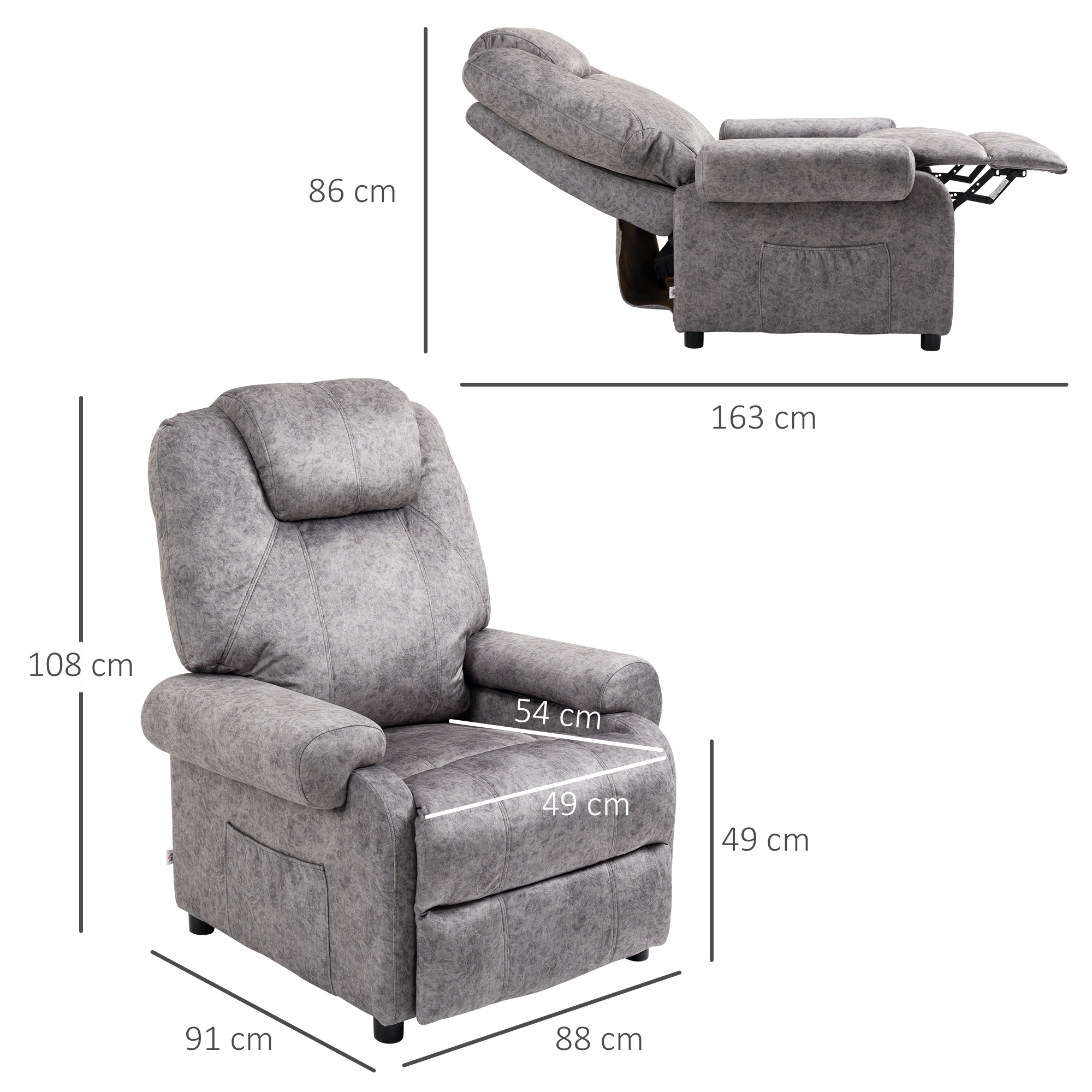
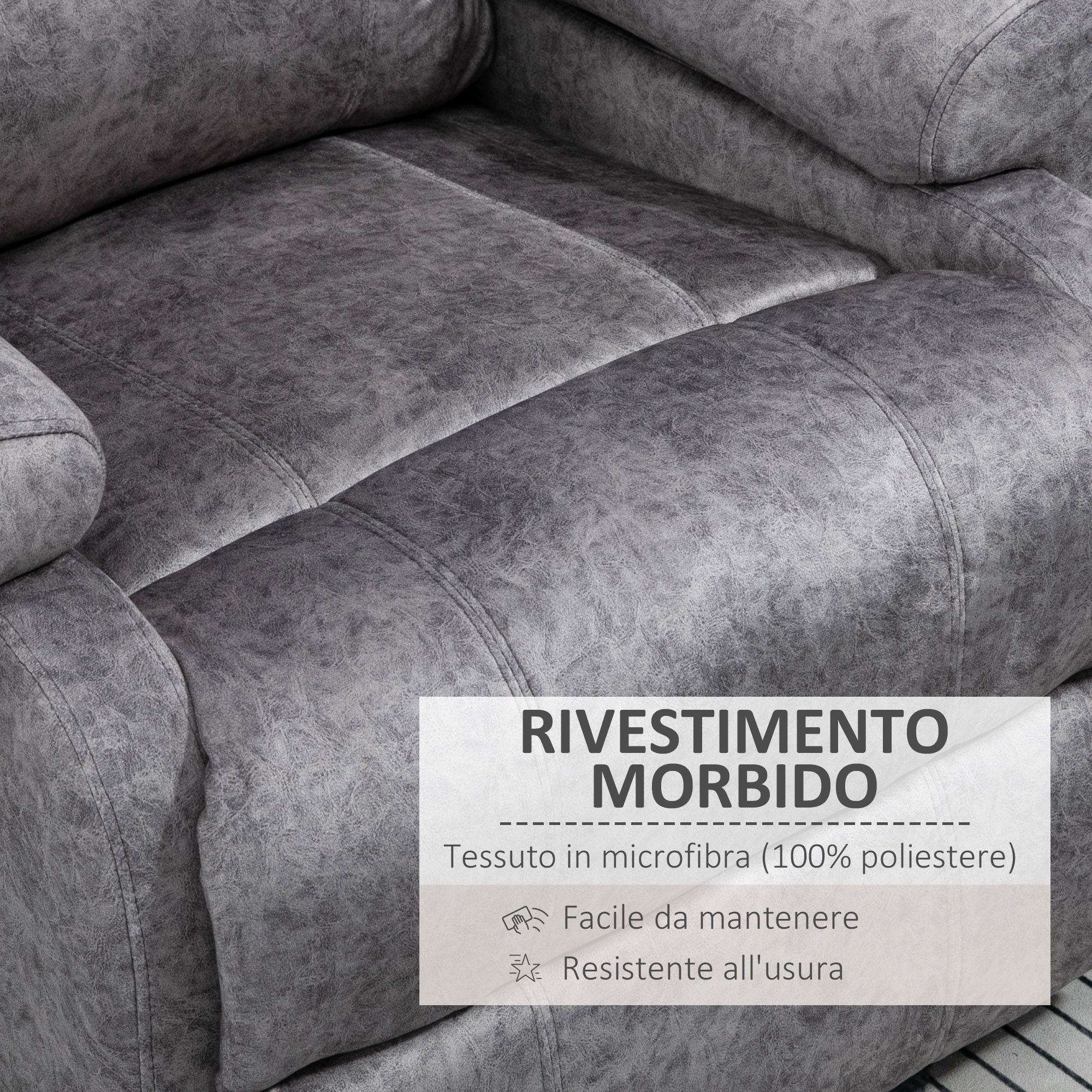
QUALITY MATERIAL: The soft microfiber fabric cover is skin-friendly. The recliner has a sturdy tubular steel frame that makes it solid and stable.
DIMENSIONS: Overall dimensions (seat mode): 88W x 91D x 108H cm. Reclined Mode Dimensions: 91W x 163D x 86H cm. Seat dimensions: 49W x 54D x 49H cm. Maximum capacity: 150kg.
Enjoy a comfortable workstation without sacrificing precious space thanks to this recliner from HOMCOM. The extra-large seat gives you plenty of space to sit and relax comfortably. By pressing against the backrest with your back, you can recline the relaxation chair as you like for reading, watching TV, or taking a nap. The abundant and soft padding provides exceptional comfort and relaxation, while the sturdy steel frame makes it solid and stable.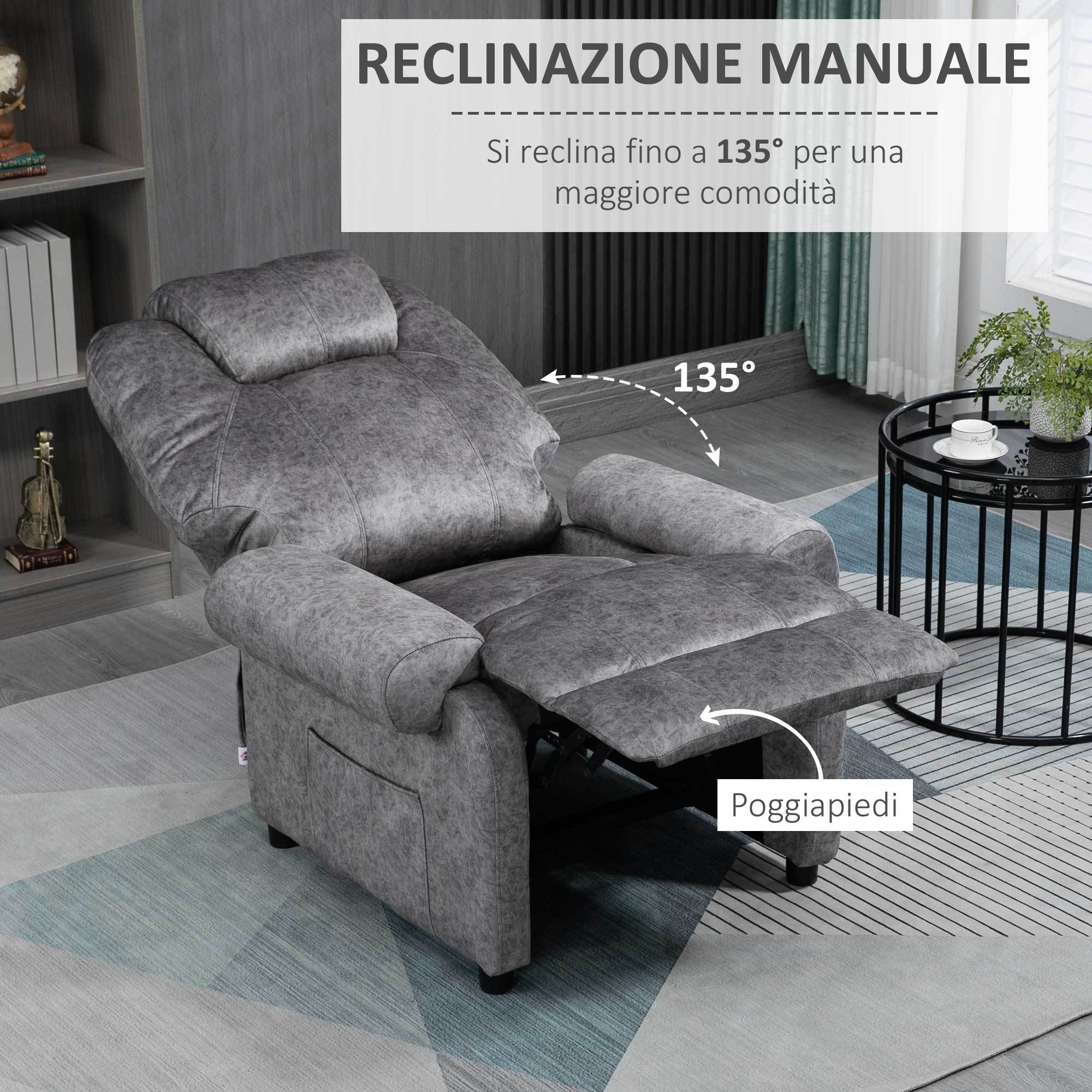
SPECIFICATIONS
Back Style: Cushion-back
Battery Properties: Without Battery
Brand: HOMCOM
Color: Black
Contain Wooden Materials: No
Embellishment: Other Embellishment Features
Item ID: 136131V93
Material: Microfiber
Origin: Italy
Power Supply: Use Without Electricity
Room Type: Living Room
Style: Modern
Upholstery Material: other
This offer is for limited time only! Buy before price increase.
Visualizza dettagli completi


