


2025 2000X25 HD Monocular Telescope, Compact Portable
2025 2000X25 HD Monocular Telescope, Compact Portable
Currently 6466 items are in stock!
No se pudo cargar la disponibilidad de retiro
🔭 2025 2000×25 HD Monocular Telescope – Compact & Portable
✅ The 2025 2000×25 HD Monocular Telescope is a powerful and compact optical device designed to deliver clear, sharp, and detailed viewing. Featuring high-definition optics and strong magnification, it allows you to observe distant objects with impressive clarity wherever you go.
✅ Engineered for portability and durability, this monocular telescope offers a lightweight, handheld design that’s easy to carry for outdoor adventures. Ideal for travel, bird watching, hiking, sports events, and sightseeing.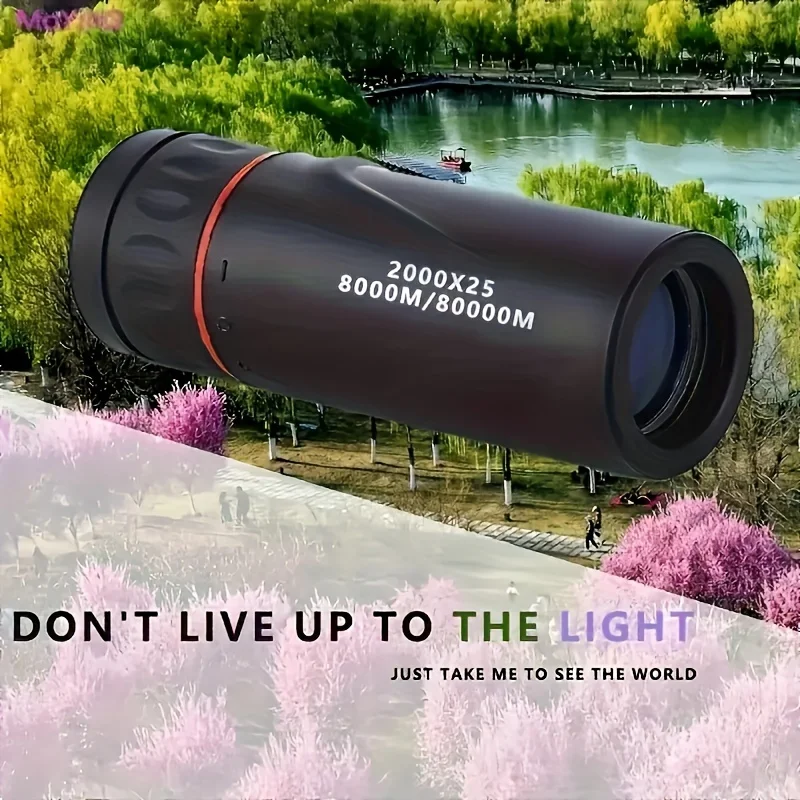
🚀 Key Benefits & Features
✔ 2000×25 High Magnification – Clear long-distance viewing
✔ HD Optical Lens – Sharp and detailed image quality
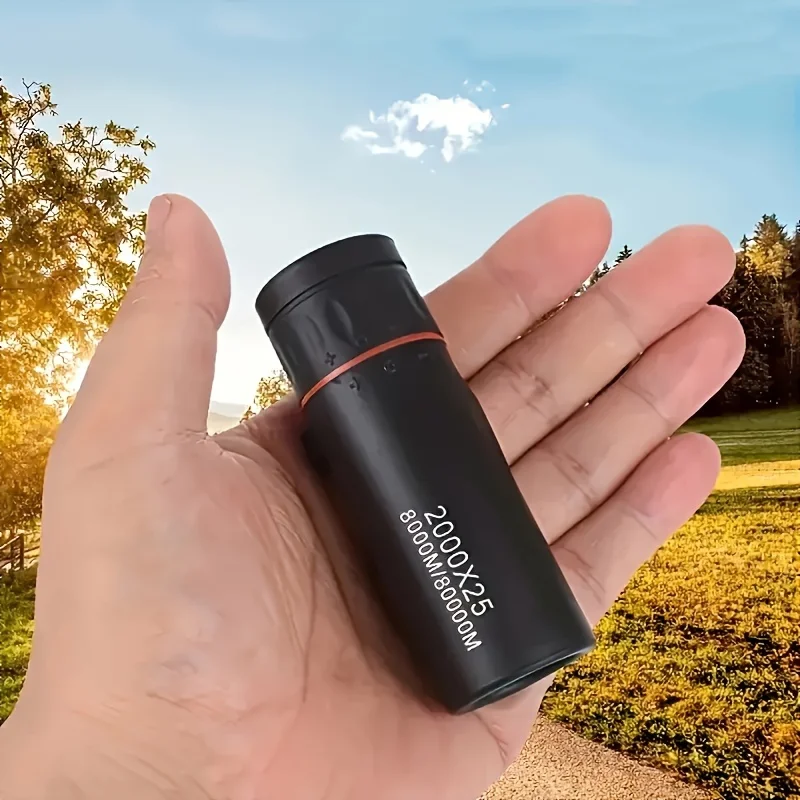
✔ Compact & Portable Design – Easy to carry anywhere
✔ Lightweight & Handheld – Comfortable extended use
✔ Wide Field of View – Enhanced visual experience
✔ Durable Construction – Built for outdoor use
✔ Easy Focus Adjustment – Smooth and precise control
✔ Suitable for Daytime Observation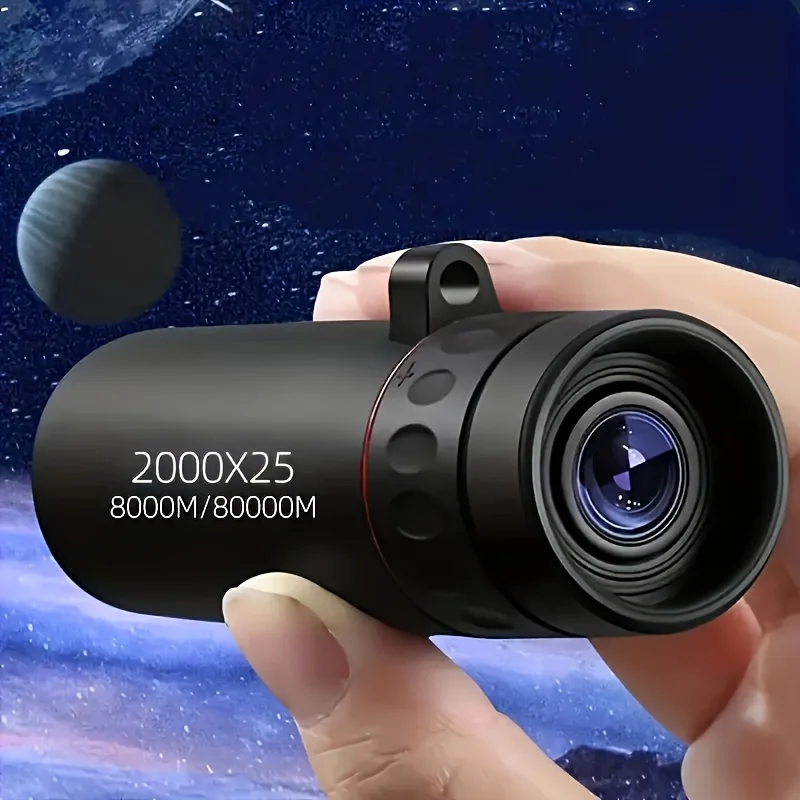
🧪 Advanced Optical Technology
The HD monocular lens system reduces distortion while enhancing brightness and contrast. Unlike ordinary monoculars, it delivers crisp visuals with stable performance, making it ideal for outdoor exploration and observation.
🌄 Ideal For
• Bird watching
• Hiking & camping
• Travel & sightseeing
• Sports & outdoor events
• Nature observation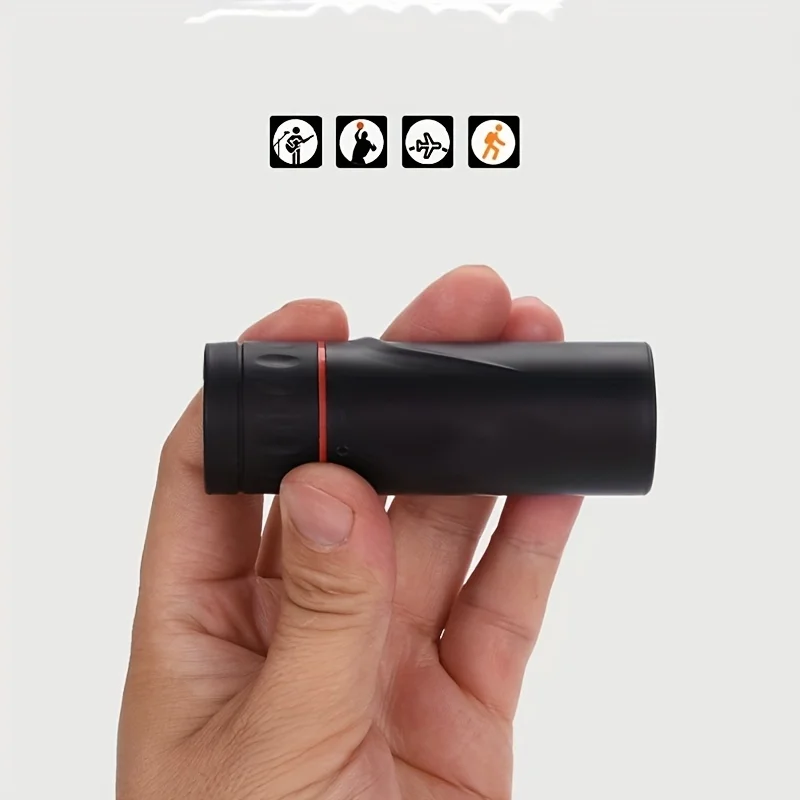
📦 What’s Included
📦 1 HD Monocular Telescope
📦 Carrying Pouch
📦 Cleaning Cloth
📦 User Manual
🌍 Perfect for Outdoor Adventures & Travel
Whether you’re exploring nature or enjoying live events, the 2025 2000×25 HD Monocular Telescope provides a clear, immersive viewing experience in a compact and travel-friendly design.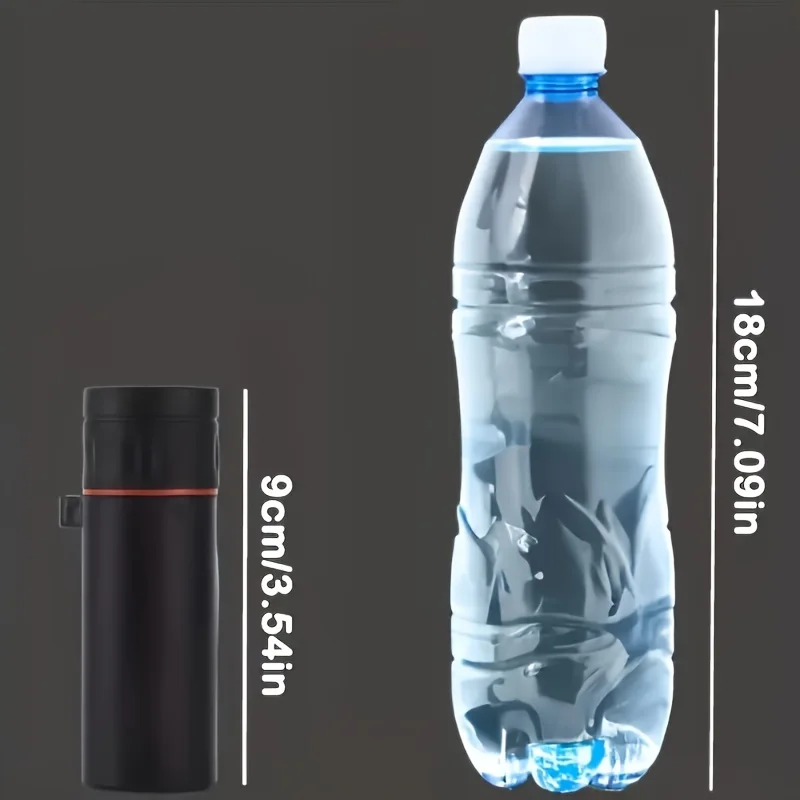
Instructions
✅ Adjust the focus wheel to sharpen the image.
✅ Hold the monocular steady for best viewing.
✅ Use in well-lit environments for optimal clarity.
✅ Clean lenses gently after use.
Precautions
✅ Avoid direct sunlight through the lens.
✅ Do not drop or apply excessive pressure.
✅ Keep lenses clean and dry.
✅ Store in a protective case when not in use.
✅ Keep out of reach of children.
This offer is for limited time only! Buy before price increase.
Ver todos los detalles


