


Mini Smartphone, 2GB RAM + 16GB ROM, 128GB Memory Expansion, 3G Network, Dual SIM, 3.0-inch HD Display
Mini Smartphone, 2GB RAM + 16GB ROM, 128GB Memory Expansion, 3G Network, Dual SIM, 3.0-inch HD Display
Currently 18 items are in stock!
No se pudo cargar la disponibilidad de retiro
SOYES Mini Smartphone – Compact, Powerful, and Portable
Discover the ultimate combination of portability and functionality with the SOYES Mini Smartphone. Perfect for users who want a compact device without compromising essential smartphone features, this mini phone offers dual SIM support, expandable storage, and a 3.0-inch HD display in a sleek, pocket-friendly design.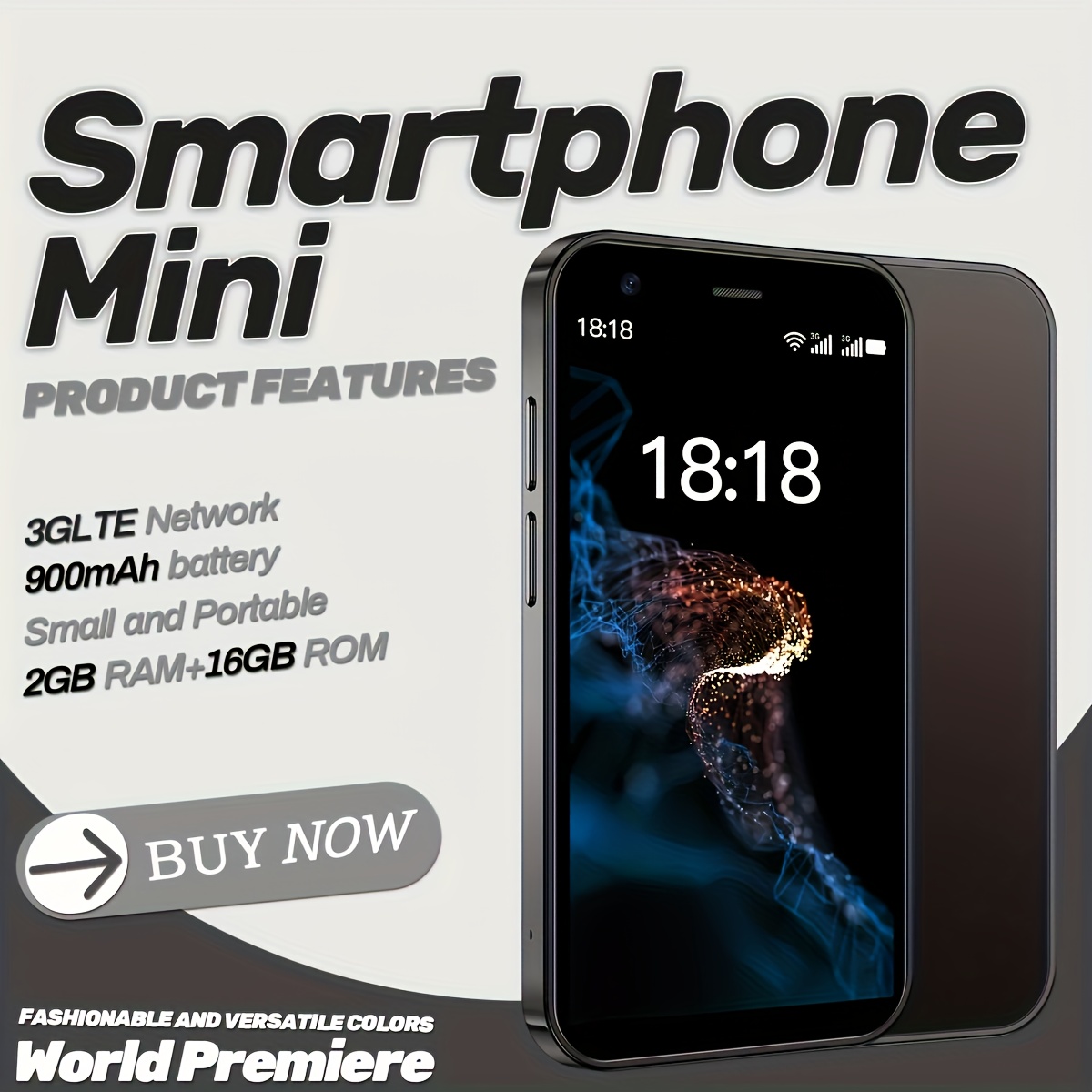
Key Features:
Compact 3.0-Inch HD Display: Perfect for on-the-go use with a clear 480x800 resolution and 60Hz refresh rate for smooth viewing.
Dual SIM & 3G Connectivity: Stay connected across two networks, ideal for work and personal use.
Expandable Storage: Comes with 16GB internal memory, expandable up to 128GB for apps, photos, and media.
Efficient 900 mAh Battery: Rechargeable lithium polymer battery with USB Type-C charging, providing reliable power for daily tasks.
Biometric Security: Face recognition ensures fast and secure unlocking.
Android Operating System: User-friendly interface with access to essential apps and Wi-Fi functionality.
Lightweight & Portable: Small form factor makes it easy to carry, perfect for travel, business, or minimalists.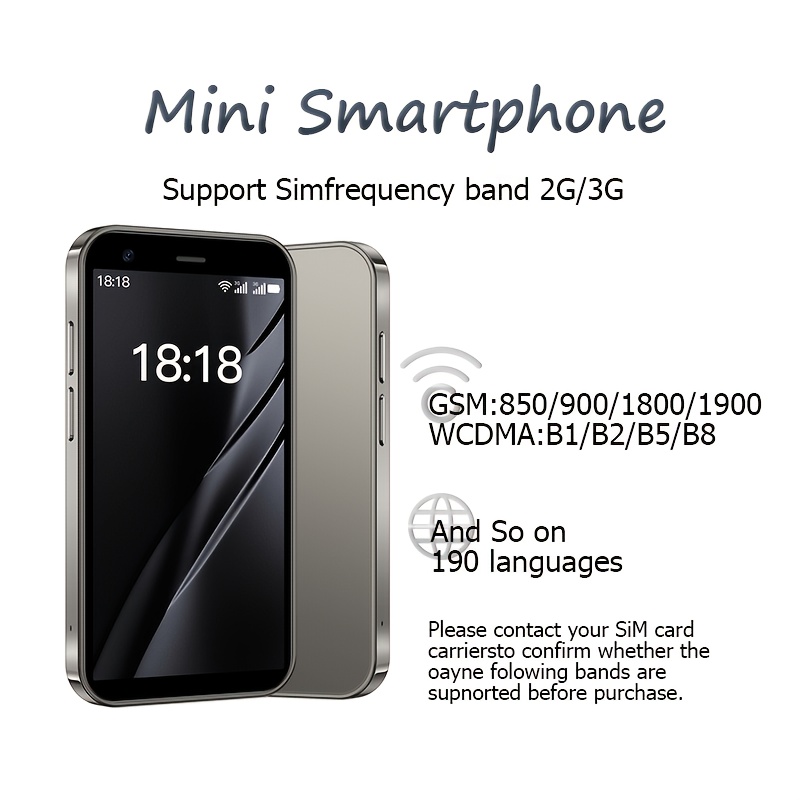
Product Specifications:
Brand: SOYES
Model Year: 2024
RAM/ROM: 2GB / 16GB (expandable to 128GB)
Display: 3.0-inch LCD, 480x800 resolution, 60Hz refresh rate
Battery Capacity: 900 mAh, rechargeable lithium polymer
Charging Port: USB Type-C
Cellular Technology: 3G
SIM Card Slots: 2
Operating System: Android
Aspect Ratio: 4:1
Item ID: UR1475702
Origin: Italy
Water Resistance: Non-water resistant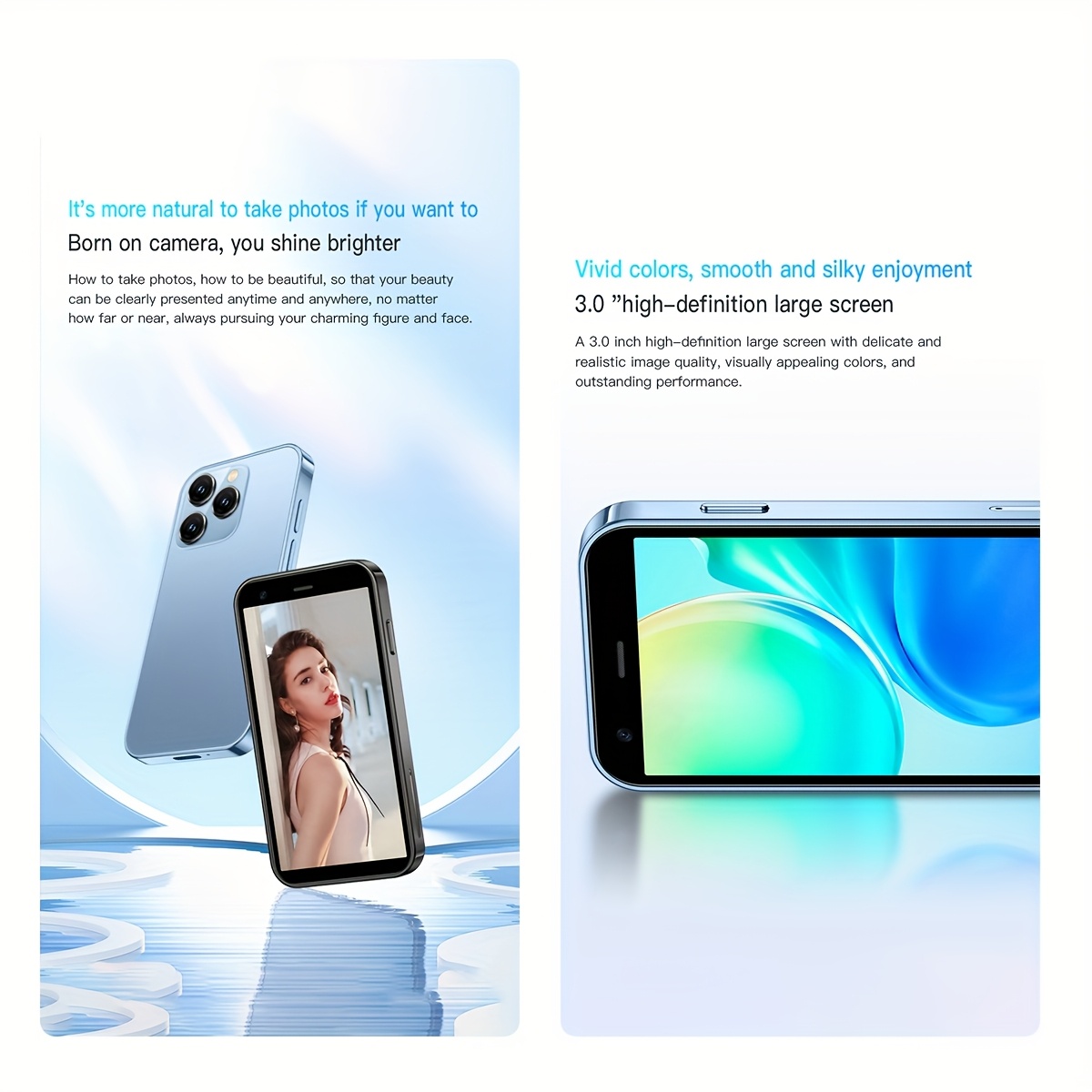
Why Choose the SOYES Mini Smartphone?
Ideal for users seeking a compact yet functional smartphone, the SOYES Mini combines portability, dual SIM connectivity, expandable storage, and essential features in a stylish, pocket-sized device. Perfect for daily communication, travel, or as a backup phone, this mini smartphone ensures convenience and reliability in every use.
This offer is for limited time only! Buy before price increase.
Ver todos los detalles


